【Photo Scanning】Before Your Old Photos Get Moldy: Service Fees, Resolution, and Process Guide
Foreword
That box of old photos in your drawer won’t wait for you.
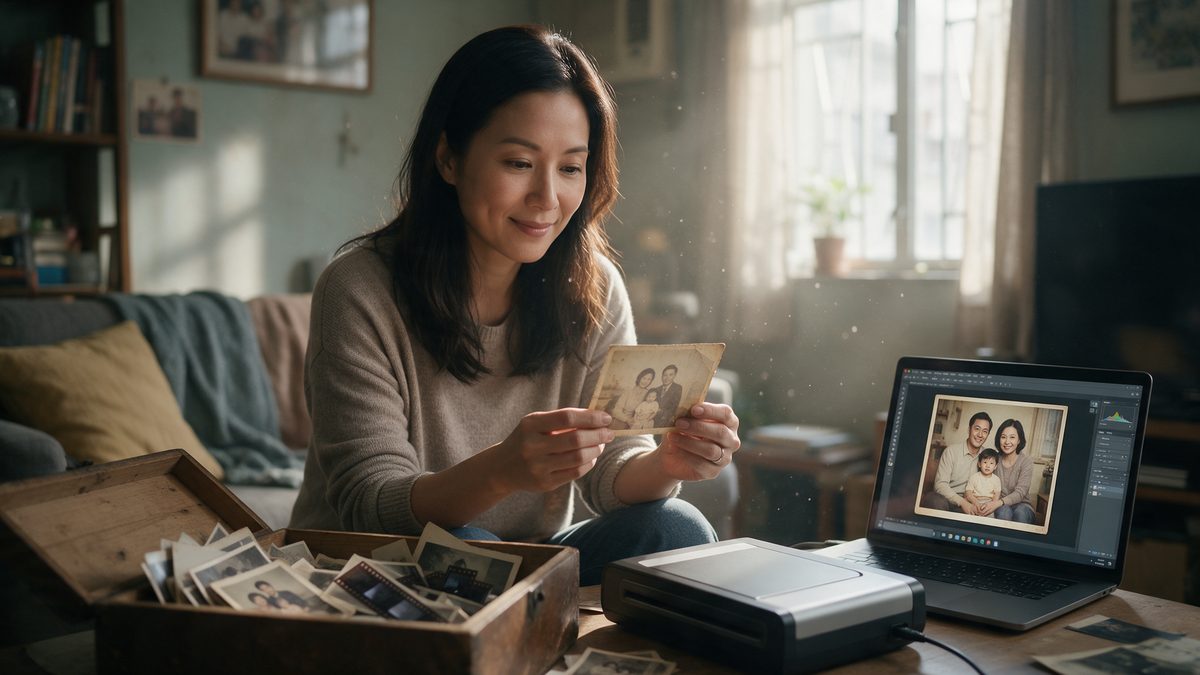
Photo scanning is the service of converting physical photos, film negatives, or slides into digital files. Hong Kong is humid all year round, and old photos fade, stick together, and get moldy much faster than you might think. Digitizing them while they are still in good condition is the only way to preserve them forever. This article will explain everything you need to know: what can be scanned, how to choose the right resolution, prices, and the complete process.
Key Takeaways
- Photo scanning turns physical old photos into digital files, allowing you to back them up, share them with family overseas, and reprint them anytime.
- Hong Kong’s humidity is constantly high, making photos highly prone to mold and sticking together. The sooner you scan them, the more image quality you can preserve.
- Resolution rule of thumb: 300dpi for sharing, 600dpi for archiving, and 1200dpi or above for future enlarging.
- Professional scanning is far superior to taking photos with your phone in terms of color accuracy, glare control, and consistency when handling large batches.
Table of Contents
1. What is photo scanning?
Photo scanning is the process of using a professional scanner to read physical photos, negatives, or slides and outputting them as digital JPEG files.
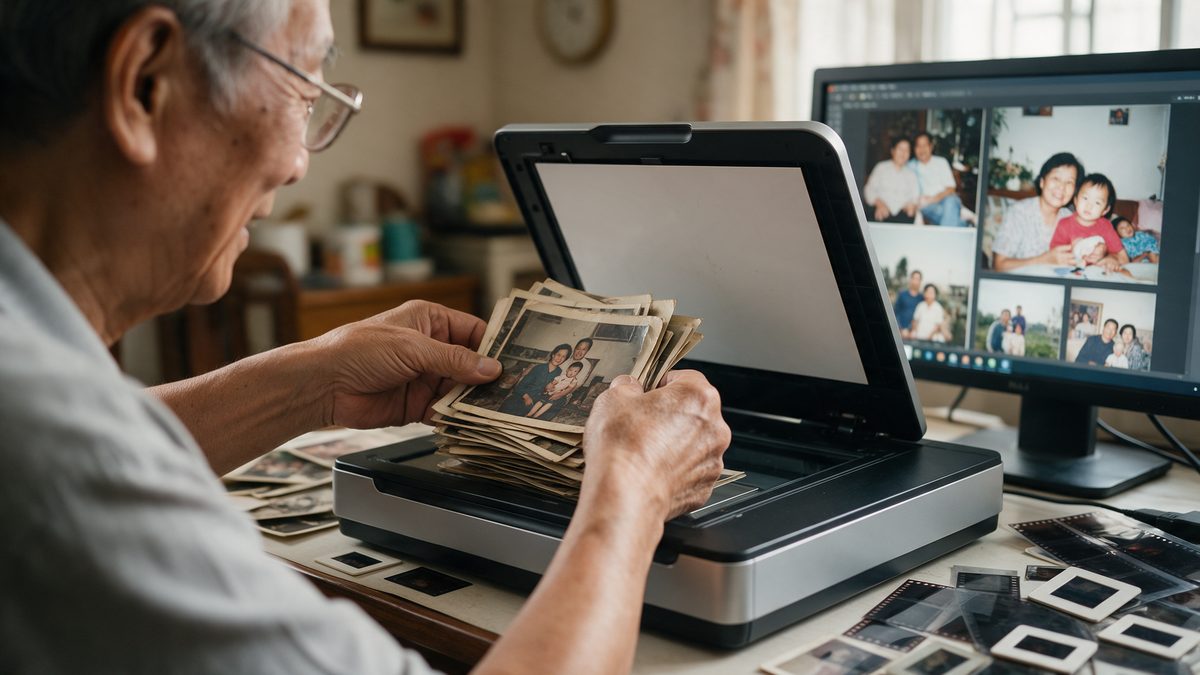
Unlike taking a picture of a photo with your phone, a scanner uses an even light source to illuminate the original copy. There is no glare, no perspective distortion, and the colors are calibrated to ensure every shot is consistent. The scanned files can be backed up, restored, uploaded to the cloud, and shared with family. Even if the original photo gets damaged later, you can still reprint it from the digital file.
2. Why should you digitize old photos?
There are three main reasons: humidity damage, irreversible fading, and allowing the whole family (including those overseas) to share the same memories.
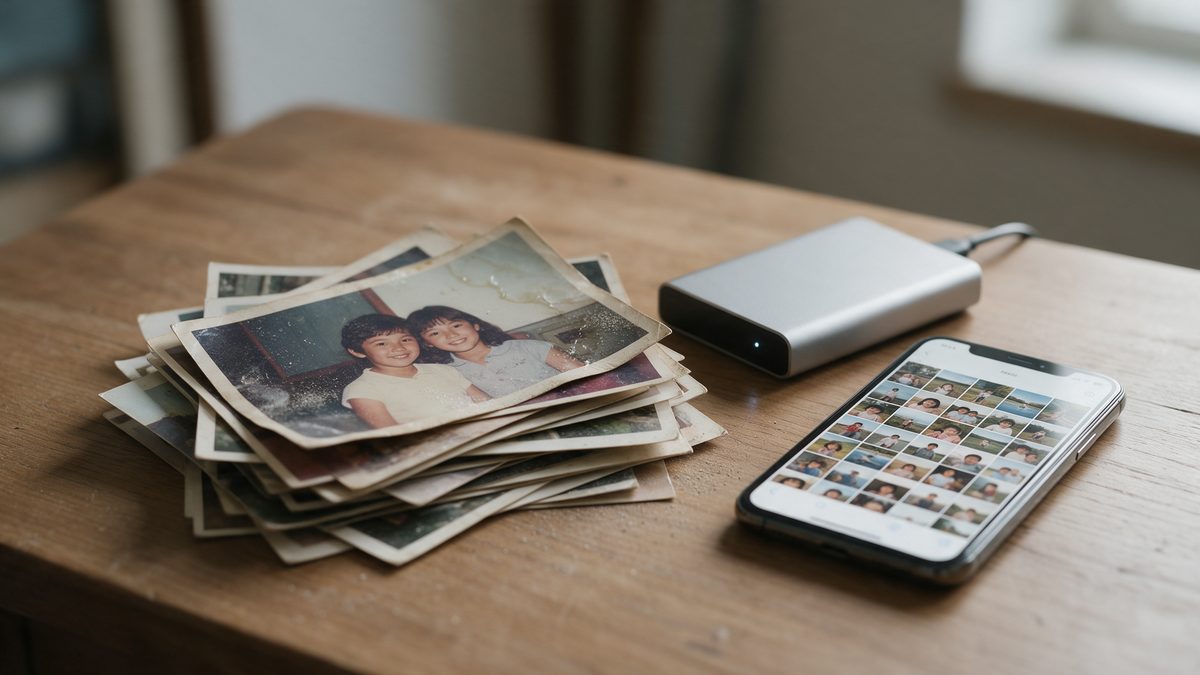
- Humidity and Mold: Hong Kong’s humidity easily exceeds 80%. Photos kept in drawers and albums will stick together, warp at the corners, and grow mold spots. Mold damage is usually irreversible.
- Fading is a One-Way Street: Color photos from the 70s to 90s lose their color density every year. Scanning them today locks in the image quality that still exists right now.
- Sharing and Emigration: A digital photo library means everyone in the family gets a copy, including relatives who have moved overseas—unlike a physical album that can only stay in one house.
- Protection Against Accidents: Fires, floods, or simply losing them can make physical photos disappear forever. Backed-up digital files won’t.
3. What can be scanned?
Generally, we can process loose photos, photos inside albums, film negatives, and slides.
| Original Format | Notes |
|---|---|
| Loose Photos | Most common; supports sizes from 2R to 8F. |
| Photos in Albums | Need to be removed from the album first. |
| 135 / 120 Film Negatives | Processed with professional film scanners for higher resolution. |
| Damaged / Faded Photos | Scanned "as is." You can also purchase additional photo resolution enhancement services. |
4. How should you choose the resolution?
Rule of thumb: 300dpi is for sharing, 600dpi is for archiving, and 1200dpi or above is for enlarging.
| Resolution | Best For | File Size |
|---|---|---|
| 300dpi | Viewing on screens, social media sharing, reprinting at original size | Small |
| 600dpi | The standard recommendation for long-term archiving | Medium |
| 1200dpi or above | Future enlarging, cropping, or restoration purposes | Large |
Note: Film negative scanning usually uses higher settings because negatives hold far more detail than the photos printed from them back in the day.
5. How much does photo scanning cost?
Fotomax photo scanning starts from HK$15 per photo (minimum order of 3 photos).
| Service | Price | Processing Time |
|---|---|---|
| Photo Scanning (600 dpi) | HK$15 / photo | 1-2 working days |
| High-Res Scanning (Negatives) | HK$20 / frame | 14 working days |
| Film Negative Scanning | HK$78 / roll | 14 working days |
| Bulk Packages | Quote upon request | Depends on quantity |
6. What is the photo scanning process?
From your drawer to a digital photo library, it only takes five steps.
-
Collect your photos
You don’t need to sort them by year first. Please remove any paper clips and rubber bands to avoid leaving marks or dents.
-
Drop off at a store
Bring them to any of the over 50 Fotomax stores in Hong Kong. No appointment is needed.
-
Professional scanning
Each original copy is scanned at your chosen resolution with calibrated colors.
-
Receive your files
The digital files are delivered via the Fotomax App, USB, or a cloud link in standard JPEG format.
-
Back them up properly
Keep at least two copies in two different places. One hard drive plus one cloud account is the simplest and most reliable combination.
7. Phone scanning vs. professional scanning: what’s the difference?
Using your phone to snap a picture is fine for a few photos, but it is not designed to consistently process hundreds of them.
| Feature | Phone Scanning | Professional Scanning |
|---|---|---|
| Glare & Reflections | Common and hard to avoid | None |
| Color Accuracy | Fluctuates with room lighting | Calibrated and consistent |
| Perspective Distortion | Common | None |
| Negatives & Slides | Cannot process | Can process |
| Time to process 500 photos | Takes hours of your own time | Drop off and pick up later |
Note: Matte photo paper will naturally show a grainy texture when scanned, which currently cannot be avoided.
Frequently Asked Questions (FAQ)
Q1. Can damaged or faded photos be scanned?
Yes. The scanner will accurately record the current state of the photo. You can then purchase additional restoration services for the digital file.
Q2. What is the file format?
Standard JPEG.
Q3. How are the files delivered and how long are they kept?
Files are delivered via a 90-day cloud link, or you can pay extra to have them saved on a USB drive.
Q4. Is there a minimum order quantity?
Yes, a minimum of 3 photos or 3 frames of film.
Q5. How long does Fotomax photo scanning take?
Photo scanning at Fotomax stores generally takes 1-2 working days. The actual time depends on the quantity, original format, and chosen resolution. Large batches may take longer.
Q6. I only have the negatives and no physical photos. Can they be scanned?
Yes! Negatives are actually the "master copy" and usually contain more detail than the photos printed from them.
Q7. How is my privacy protected?
Please refer to the Fotomax Data Processing and Privacy Policy for details.
A Whisper from the Fotomax Editor:
The photos most worth scanning are rarely the perfectly posed ones. They are the out-of-focus birthday shots, the crooked family dinner photos, or the one where someone happened to blink. They are the ones nobody ever thought to protect, yet they are the ones you can never reshoot.